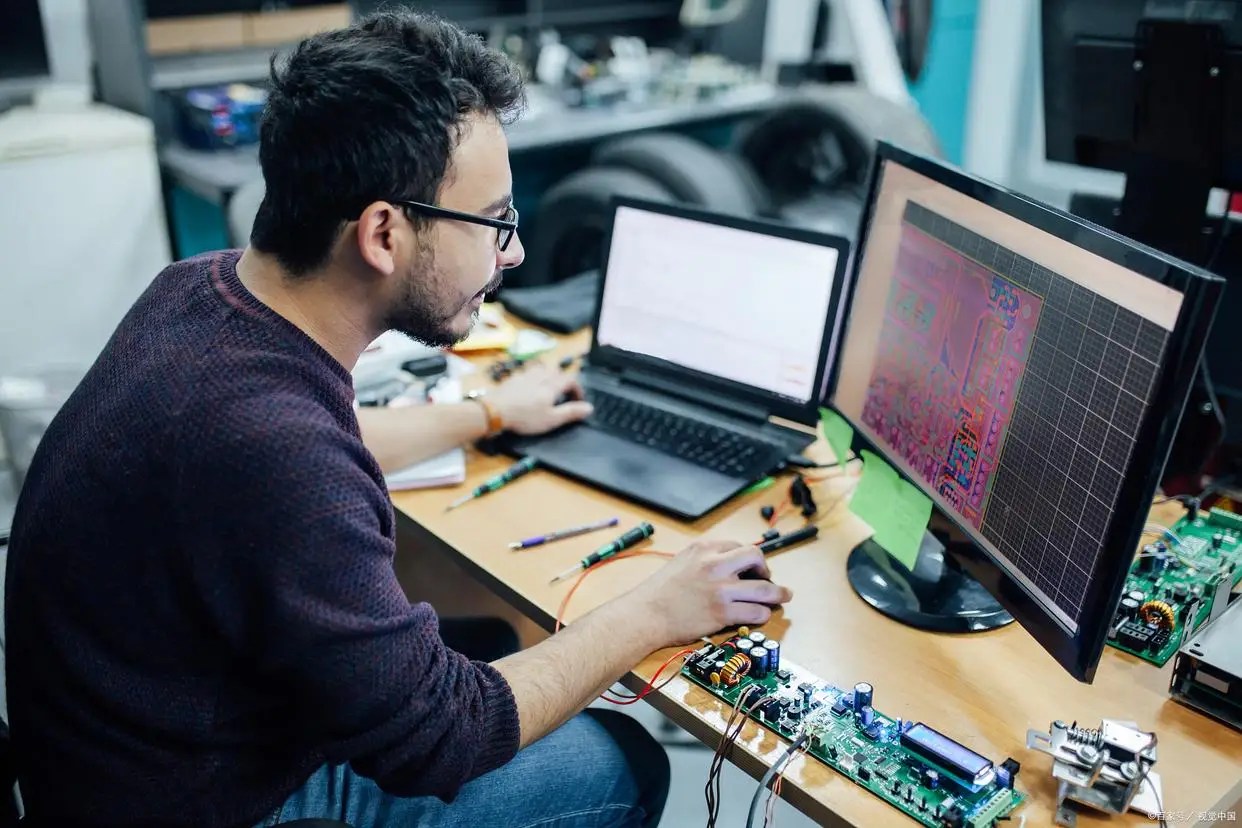
This guide explains how to install, activate, and configure Dofun iLauncher VIP on Android car stereos. It focuses on practical setup steps: setting the default launcher, enabling auto-start, choosing the right UI layout, and avoiding common stability issues. The goal is simple—a clean, fast, and low-distraction driving interface.
Before You Start (Checklist)
- Android-based car stereo confirmed
- Access to system Settings and app installation
- Decide a simple home screen plan: navigation + music + phone
Best practice: A minimal launcher is safer and faster than a feature-heavy layout.
Safety note: Adjust settings only while parked.
Step-by-Step Setup
Install and open iLauncher
Install or update iLauncher, then open it once to complete permission prompts.
Set iLauncher as the default launcher
- Settings → Apps → Default apps → Home app
- Select Dofun iLauncher
Enable auto-start on boot (if available)
- Enable Auto-start / Start on boot for iLauncher
- Disable aggressive battery restrictions if present
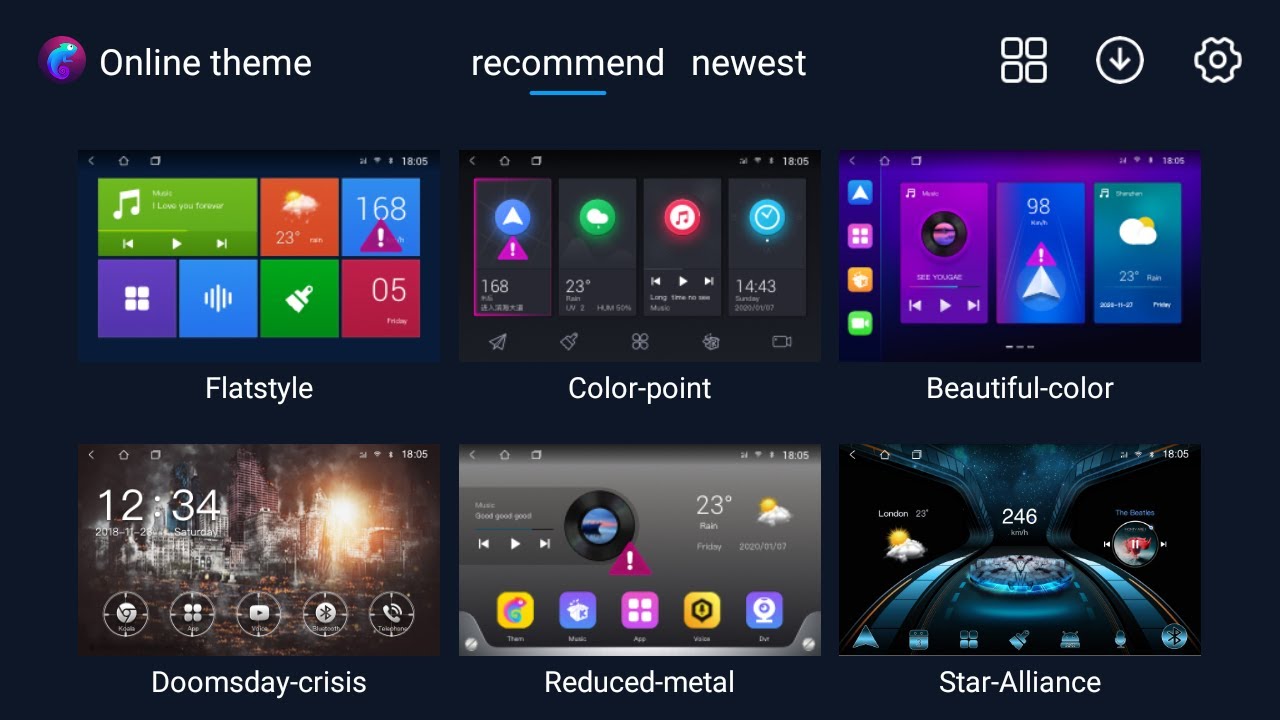
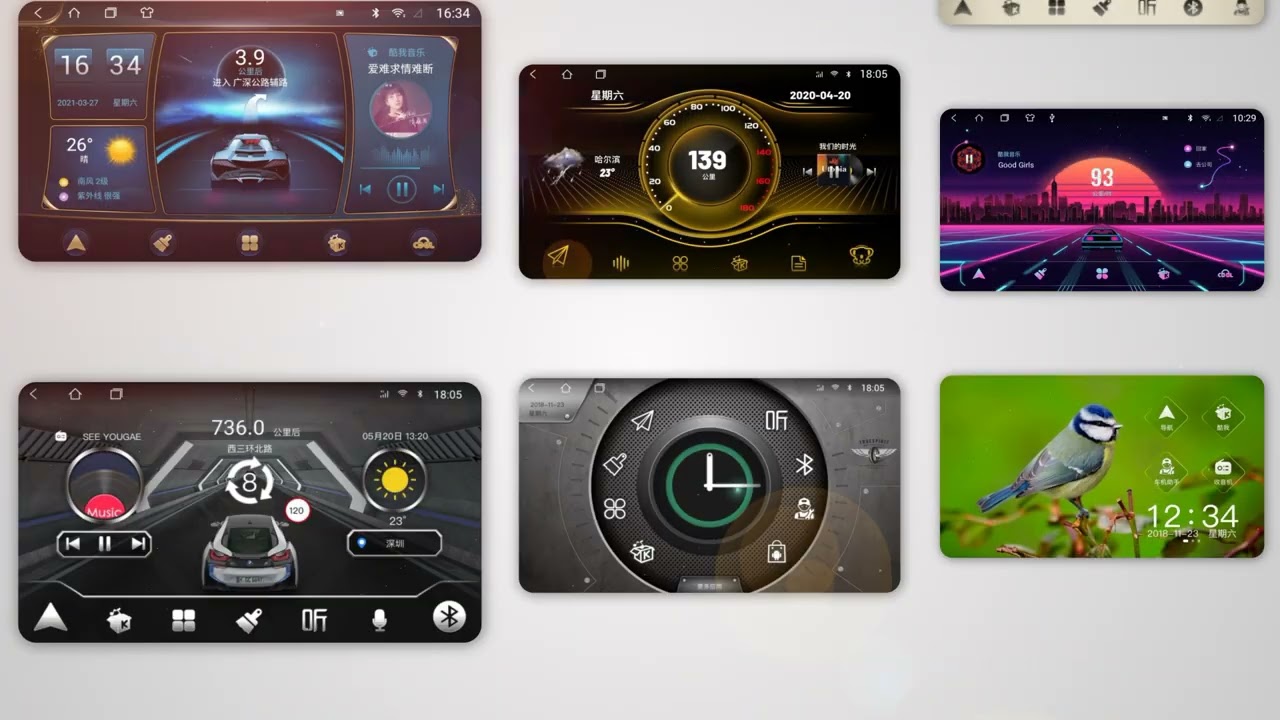
Choose an iLauncher UI style
Select a UI layout based on your driving habits. Long-distance drivers usually prefer navigation-first layouts, while city driving benefits from music/calls-first layouts.
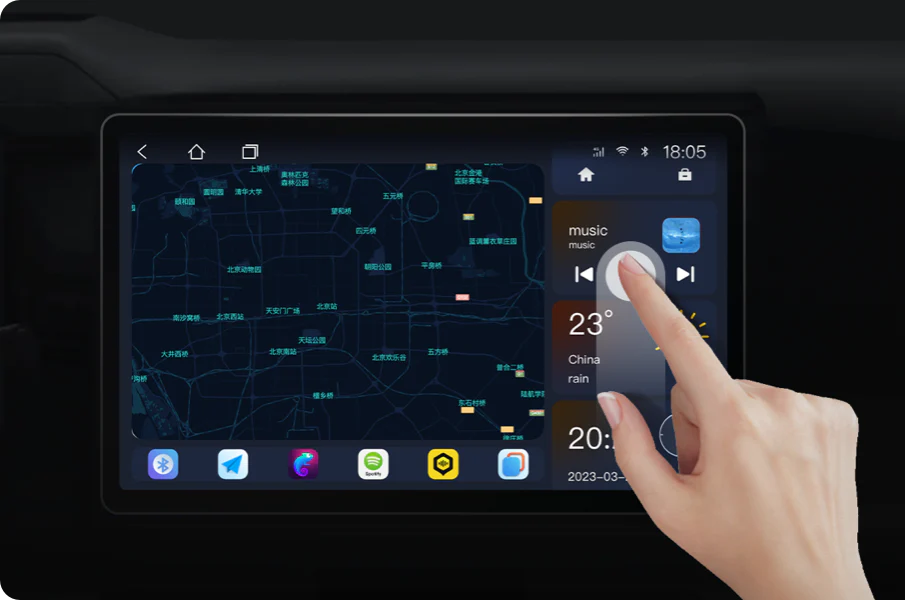
Build a driving-first home screen
- Navigation widget (Google Maps / Waze)
- Music widget (Spotify / Apple Music)
- Phone shortcut
- One optional shortcut only
Reboot and verify
- Launcher loads automatically
- Widgets remain in place
- Touch response is smooth
Common Problems & Fixes
Launcher does not start after reboot
- Reconfirm default Home app is iLauncher
- Enable auto-start if available
- Reduce background restrictions
Widgets reset or disappear
- Keep layout simple
- Avoid running many background apps
System lag or slow response
- Reduce animations
- Remove heavy widgets
- Restart the unit occasionally
Repair car android
FAQ
Do I need to set iLauncher as the default launcher?
Yes. This ensures it loads automatically after reboot.
Can I switch back to the original UI?
Yes. Change the default Home app back to the stock launcher at any time.
Is iLauncher VIP compatible with all Android head units?
It works on most Android car stereos, but behavior depends on firmware and system restrictions.
How do I get support?
WhatsApp: https://wa.me/8618773791780
Email: [email protected]