If your android head unit stuck on boot logo, you are not alone. This is one of the most frequent car android system repair requests from car owners worldwide. In this guide, you will find proven solutions to get your car multimedia system working again, plus essential tips to prevent future boot logo issues.
Why Does an Android Head Unit Get Stuck on Boot Logo?
Failed firmware update: Interrupted or incorrect update is the most common reason for android head unit stuck on boot logo.
Power loss: Loss of power during boot or firmware flashing can corrupt system files.
Incompatible apps/settings: Third-party apps or wrong settings may block proper startup.
Faulty wiring: Damaged or loose connectors can prevent the system from booting.
Storage errors: Memory chip failures or file corruption will lock your head unit on the boot screen.
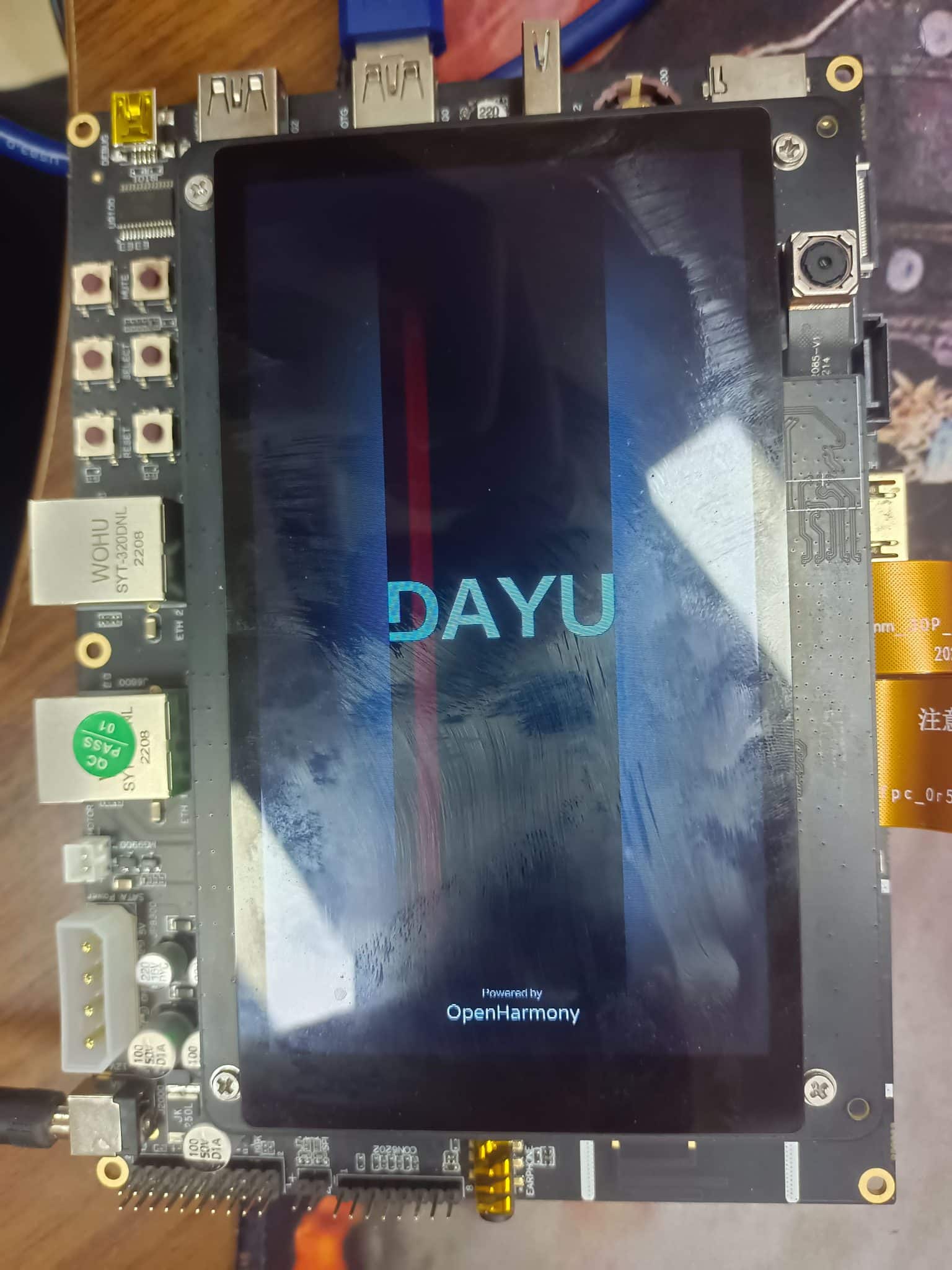
A real-life example of an android head unit stuck on boot logo, awaiting repair.
How to Fix Android Head Unit Stuck on Boot Logo
Soft reset: Hold the reset button for 10–15 seconds, or disconnect your car battery for a few minutes. Reconnect and test the system.
Re-flash firmware: Download the exact firmware for your car android system model. Copy it to USB or SD card, insert, and follow on-screen upgrade steps. This often resolves android head unit stuck on boot logo problems.
Enter recovery mode: Use your system’s recovery/reset key combination to access repair tools (refer to your model manual).
Check all wiring: Ensure connectors are tight and no cables are damaged.
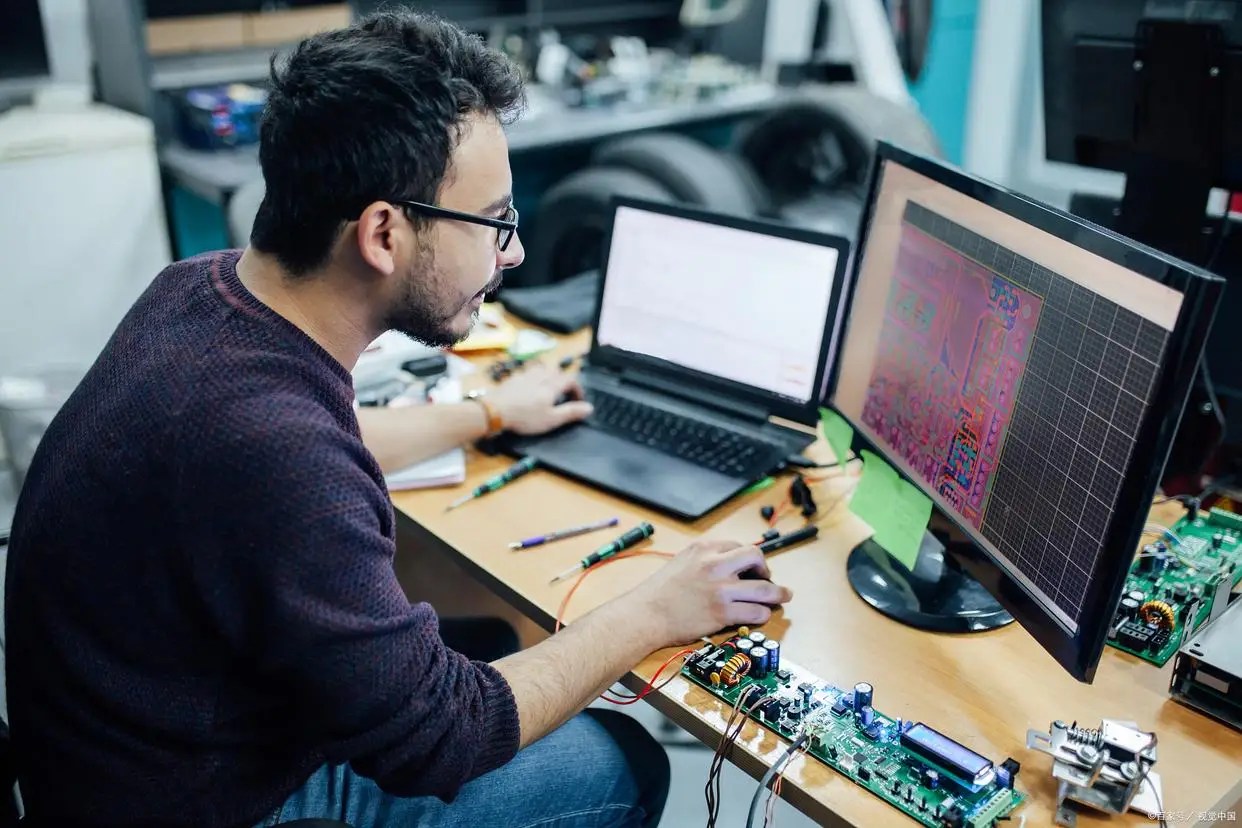
Professional help: If the above fail, seek a car android system repair specialist for advanced recovery or hardware diagnostics.
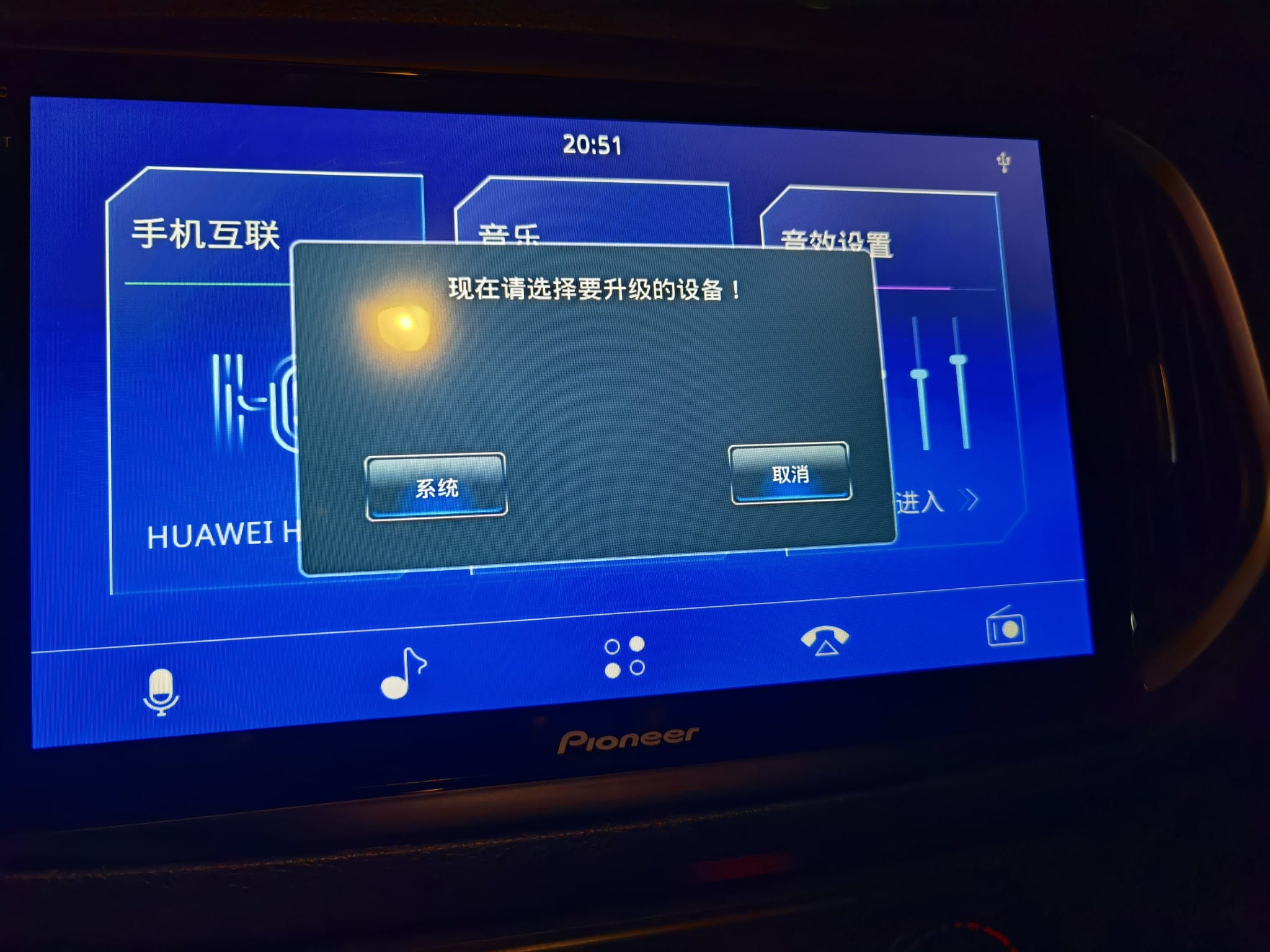
Firmware update process for android head unit stuck on boot logo – a key step in advanced repairs.
Pro Tips to Prevent Android Head Unit Boot Logo Issues
Only use official firmware from trusted sources.
Keep your car powered up during all updates.
Never remove USB/SD cards while the system is updating or booting.
Backup your system settings and important data regularly.
Case Study: Real Android Head Unit Boot Logo Repair
A customer’s car android system was stuck on the boot logo after a failed update. By following the firmware flashing procedure above, using a verified update file, and keeping the system powered, their head unit was restored in less than half an hour, with all features functioning normally.
FAQ: Android Head Unit Stuck on Boot Logo
Q: How do I fix android head unit stuck on boot logo?
A: Try soft reset, firmware flashing, and wiring checks. If unresolved, contact a professional repair service.
Q: Will factory reset always work?
A: Not always. Factory reset helps with minor glitches, but firmware corruption needs a full flash.
Q: Is it safe to update firmware myself?
A: Yes, if you follow instructions and use the correct files. Always backup your data before updating.
Need Help with Your Android Head Unit?
If your android head unit stuck on boot logo, FixMyDash provides expert remote repair, firmware guides, and dedicated support for all models. Restore your car android system now!
To provide the best experiences, we use technologies like cookies to store and/or access device information. Consenting to these technologies will allow us to process data such as browsing behavior or unique IDs on this site. Not consenting or withdrawing consent, may adversely affect certain features and functions.
Functional
Always active
The technical storage or access is strictly necessary for the legitimate purpose of enabling the use of a specific service explicitly requested by the subscriber or user, or for the sole purpose of carrying out the transmission of a communication over an electronic communications network.
Preferences
The technical storage or access is necessary for the legitimate purpose of storing preferences that are not requested by the subscriber or user.
Statistics
The technical storage or access that is used exclusively for statistical purposes.The technical storage or access that is used exclusively for anonymous statistical purposes. Without a subpoena, voluntary compliance on the part of your Internet Service Provider, or additional records from a third party, information stored or retrieved for this purpose alone cannot usually be used to identify you.
Marketing
The technical storage or access is required to create user profiles to send advertising, or to track the user on a website or across several websites for similar marketing purposes.
To provide the best experiences, we use technologies like cookies to store and/or access device information. Consenting to these technologies will allow us to process data such as browsing behavior or unique IDs on this site. Not consenting or withdrawing consent, may adversely affect certain features and functions.
Functional
Always active
The technical storage or access is strictly necessary for the legitimate purpose of enabling the use of a specific service explicitly requested by the subscriber or user, or for the sole purpose of carrying out the transmission of a communication over an electronic communications network.
Preferences
The technical storage or access is necessary for the legitimate purpose of storing preferences that are not requested by the subscriber or user.
Statistics
The technical storage or access that is used exclusively for statistical purposes.The technical storage or access that is used exclusively for anonymous statistical purposes. Without a subpoena, voluntary compliance on the part of your Internet Service Provider, or additional records from a third party, information stored or retrieved for this purpose alone cannot usually be used to identify you.
Marketing
The technical storage or access is required to create user profiles to send advertising, or to track the user on a website or across several websites for similar marketing purposes.