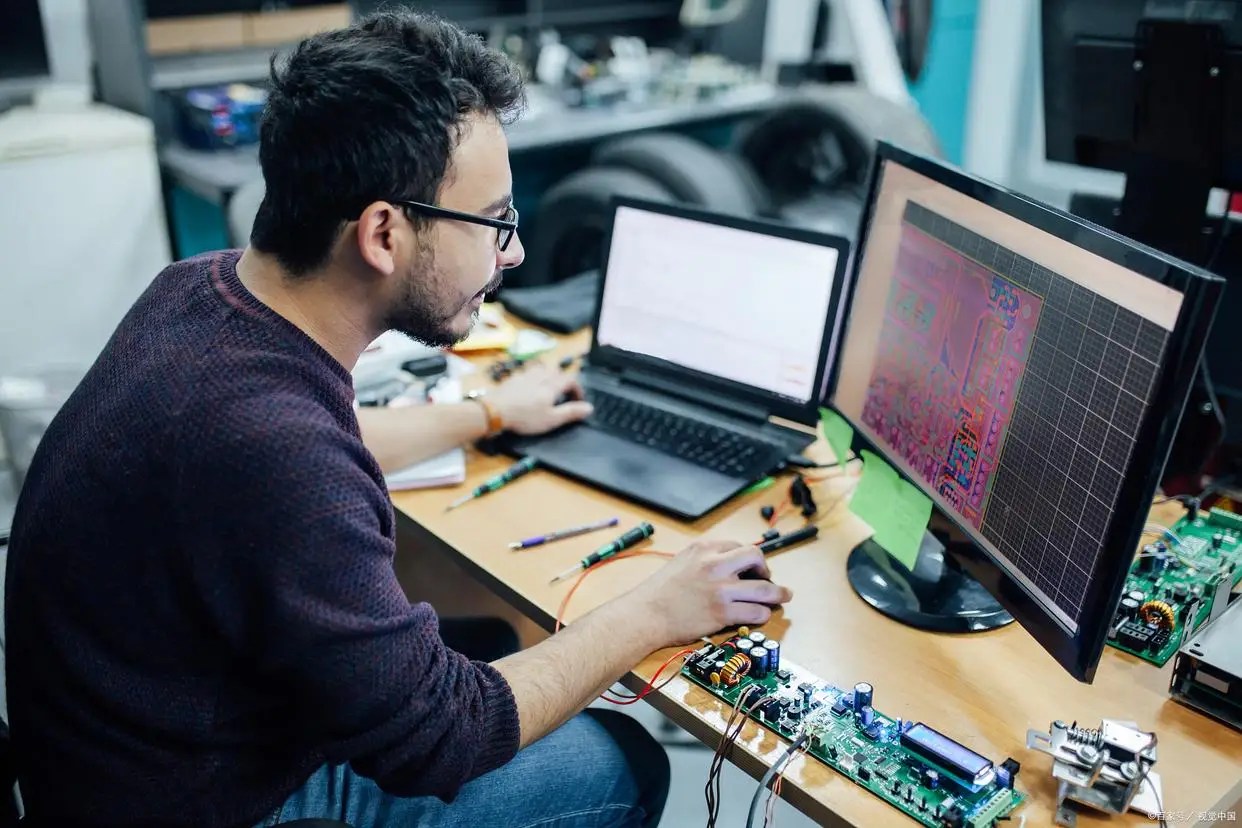
How to Diagnose Chinese EV Software Faults Remotely
Chinese EV remote diagnosis helps owners, importers and workshops check whether a black screen, charging fault, Bluetooth key problem, ADAS warning, T-Box network issue or BMS alert is likely software-related before replacing expensive parts.
This guide explains what can be checked online, what evidence you should prepare, which faults are suitable for remote support, and when the vehicle still needs a local workshop.

Can Chinese EV Software Faults Be Diagnosed Remotely?
Yes, many Chinese EV software-related faults can be diagnosed remotely when the vehicle can power on, stay online, display warning messages, connect to the OEM app, or provide fault evidence through photos, logs, app status or OBD data. Remote diagnosis is most useful before buying parts or sending the vehicle to a workshop.
What FixMyDash Checks During Remote Diagnosis
Identify the Fault Symptom Before Resetting Anything
Do not start by clearing codes. First identify the visible symptom and decide whether it behaves like a software-state fault, network problem, calibration issue or real hardware failure.

| Fault Area | Owner Symptoms | Remote Diagnostic Direction |
|---|---|---|
| Infotainment and dashboard | Center screen black screen, no sound, slow response, app crash, navigation freezing | System reboot, cache cleanup, cockpit module reset, software state review or OTA guidance |
| Bluetooth key and app control | Phone key not detected, app cannot unlock, remote AC command fails, vehicle offline | Account sync check, Bluetooth or UWB gateway review, T-Box reset, remote authorization check |
| ADAS and camera warnings | ADAS unavailable, ACC warning, camera calibration failed, 360 view abnormal, false braking | Fault code review, log analysis, sensor calibration guidance, software threshold or OTA support |
| Charging and BMS | Charging failed, charge gun disconnects, power limited, battery voltage difference, range display abnormal | BMS data review, SOC recalibration guidance, fault clearing, charging protocol or software update support |
| T-Box and vehicle network | No cloud connection, weak signal, OTA stuck, app shows vehicle offline | T-Box restart, APN or network check, account rebinding guidance, OTA retry support |
Use a Controlled Remote Diagnosis Workflow
A reliable remote session needs evidence first, then access, then fault data, then a safe software action. Jumping straight to resets can hide the real problem.

Decide Whether the Fault Is Remote-Suitable or Workshop-Only
Remote repair is realistic when the vehicle still communicates and the issue is likely inside software, configuration, calibration, network state, account sync or OTA logic.

Black screen after update, app offline, Bluetooth key not working, OTA failed, ADAS warning after software state change, charging warning with no physical damage signs.
Accident damage, water ingress, broken camera or radar, burnt wiring, high-voltage isolation warning, battery module fault or no communication at all.
Prepare These Items Before Booking Remote Diagnosis
Preparation is part of the repair. Poor photos, low 12V voltage, an offline vehicle, missing app access or unstable internet can waste the session before diagnosis really begins.

Match the Fault to the Chinese EV Brand and Model
Different Chinese EV brands use different app authorization, network modules, OTA logic, ADAS systems and BMS strategies. A NIO ES8 black screen, Xiaomi SU7 Bluetooth key issue, AITO M9 charging fault and ZEEKR 001 power-limited warning should not be handled with the same generic checklist.

High-Intent Problems This Page Is Built to Answer
These search phrases match owners who already have a real fault and are close to needing technical help.
- NIO ES8 center screen black screen remote fix
- AITO M9 charging fault remote diagnosis
- Xiaomi SU7 Bluetooth key not working
- ZEEKR 001 power limited warning remote troubleshooting
- Li Auto L9 battery voltage difference warning
- Fangchengbao Bao 5 OTA update failed
- Yangwang U8 fault code B1C1600 startup button no response
- Chinese EV T-Box offline remote support
FAQ About Chinese EV Remote Diagnosis
Clear answers for owners before booking a paid remote diagnostic service.
Can every Chinese EV fault be fixed remotely?
No. Many software-related faults can be checked remotely, but hardware damage, high-voltage faults, water damage, accident damage and physical sensor problems usually require local repair.
What faults are most suitable for remote diagnosis?
Remote diagnosis is most useful for black screen after update, app offline status, Bluetooth key failure, OTA update failure, T-Box connection problems, dashboard warnings and selected charging or BMS alerts.
Do I need paid diagnosis before contacting FixMyDash?
If you already have a clear fault and want technical support, paid diagnosis is the fastest path. If you only want to understand the service scope, start with the Chinese EV remote diagnostics page.
Can FixMyDash help if my Chinese EV is outside China?
Yes. Remote support is especially useful for Chinese EV owners, importers and workshops outside China. The vehicle must have enough connectivity and access for the required diagnostic steps.
Will you erase fault codes without fixing the real problem?
No. We do not recommend hiding safety-related faults. The goal is to identify whether the issue is software-related, temporary or caused by real hardware damage.
What should I prepare before booking?
Prepare clear photos of the warning, exact vehicle model, software version if visible, OEM app access, stable internet, and a safe parking location. In some cases, a laptop, remote-control software or OBD reader may be required.
Need Help With a Chinese EV Software Fault?
If your car has a black screen, charging fault, Bluetooth key issue, ADAS warning, T-Box network problem or BMS alert, FixMyDash can first check whether the issue looks software-related and suitable for remote diagnosis.